Follow-Up SLA: Respond to New Leads Within a Set Time (and Track It)
Set a simple follow-up SLA (owner + response target) so leads don’t die in inboxes—and you can measure speed-to-lead properly.
📌 Summary
Outcome: More qualified conversations from the same inbound volume.
Time: 45 minutes setup, then 10 minutes/day.
Owner: Sales lead (or Founder) + backup.
Steps: Set SLA → define routing → create a daily sweep → track response time → review weekly.
Metrics: Median first-response time, % responded within SLA, meetings booked per inbound lead.
Glossary:
SLA: Service Level Agreement. In this context (sales), it’s a response-time promise your team sets internally.
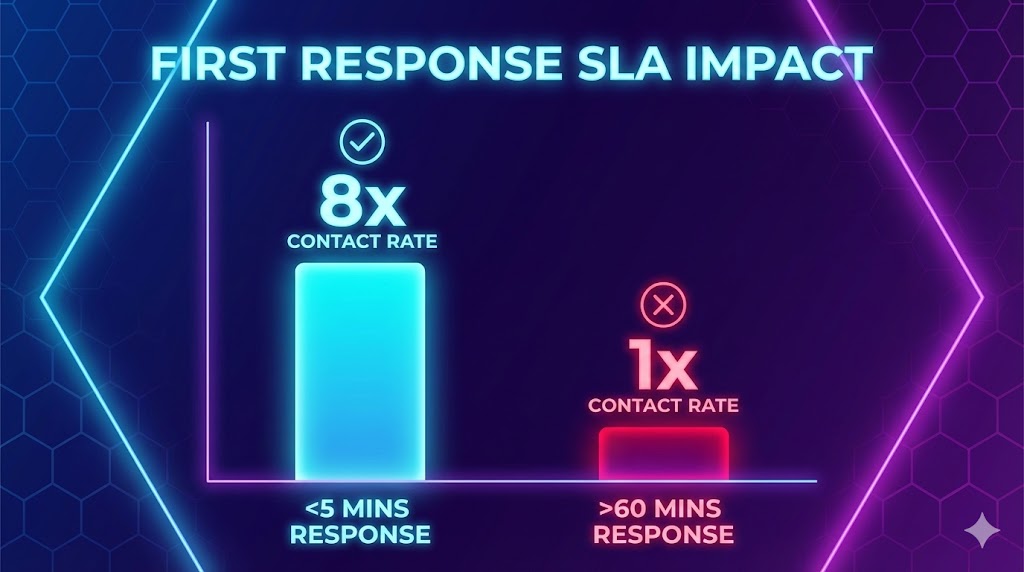
🎯 What you’ll achieve (in 2 weeks)
You’ll stop losing warm leads due to slow response.
You’ll create a reliable “response muscle” (no heroics, no guessing).
You’ll see a measurable lift in reply rate / booked meetings from the same demand.
⏱️ Time & effort
Setup: 30–45 minutes
Ongoing: 10 minutes/day + 15 minutes/week
Owner: Sales lead (or Founder)
Dependencies: A shared inbox (or a place where leads land), and a simple tracker (a sheet is enough)
🚦When to use this (signals)
Use this quick win if any of these are true:
Leads are answered “when someone remembers.”
More than one person touches leads, but no one owns response time.
You can’t answer: “How fast did we respond last week?”
You have inbound volume but inconsistent meeting conversion.
🧩 Steps (follow in order)
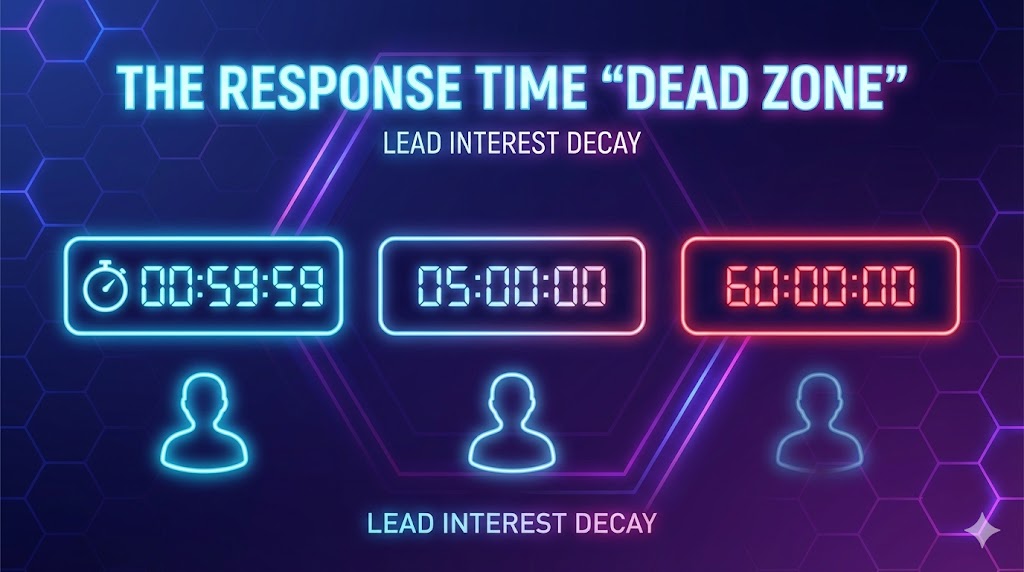
1) Set a realistic SLA (start simple)
Pick one SLA for business hours. Examples:
Early stage (5–25 people): respond within 4 business hours
More mature: respond within 1 business hour
If you have low volume and founder-led sales: same business day is still better than random.
Rule: choose the SLA you can actually hit 80%+ of the time.
2) Define ownership + a backup
Primary owner: the person accountable for the SLA.
Backup owner: the person who covers when primary is in meetings/offline.
If you have a team: assign by round-robin, but still have an SLA owner who enforces.
3) Define what counts as “first response”
Decide what qualifies as a response:
Email reply / call / WhatsApp message / booked meeting link sent
“We received your message” auto-reply does not count as first response (it can help, but don’t game your metric)
4) Create one clear intake path
Pick the single place leads land:
Shared inbox, or
Form submissions routed to one inbox, or
A “New Leads” list somewhere central
The goal: no lead is trapped in someone’s personal inbox.
5) Add a daily “inbound sweep”
Create two fixed moments:
Morning sweep (10 min)
Midday sweep (10 min)
If volume is higher, add one more sweep mid-afternoon.
6) Track response time (lightweight)
Track these fields for every inbound lead:
Lead name / company
Source
Timestamp received
Timestamp first response sent
Owner
Outcome (Booked / Not now / No fit / No reply)
You can do this in a simple sheet.
7) Review weekly and tighten
Every week (15 minutes):
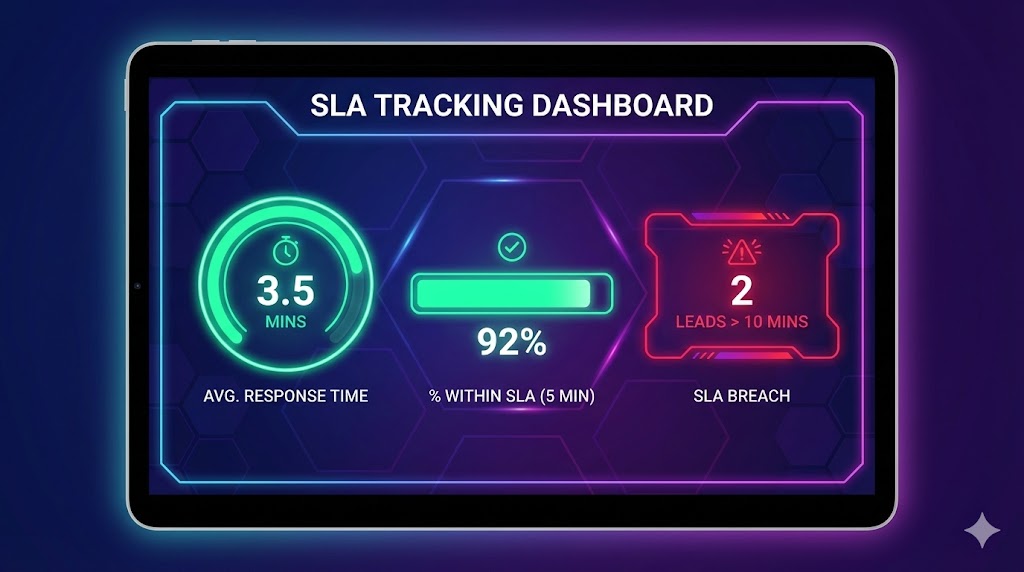
Look at % within SLA and median response time
Identify top 2 blockers (routing, overload, unclear ownership)
Adjust: SLA, sweeps, ownership, or templates
✅ Done Definition (DoD)
You’re “done” when:
A written SLA exists (e.g., “respond within 4 business hours”)
There is one primary owner + one backup
All inbound leads land in one shared place
A daily sweep is on the calendar
A tracker exists and is used for every inbound lead
Weekly review is scheduled (15 minutes)
📥 Templates (copy/paste)
Template 1 — SLA statement (internal)
Inbound Lead SLA: We respond to all inbound leads within X business hours (Mon–Fri, 9:00–18:00).
Owner: [Name / Role]
Backup: [Name / Role]
Definition of first response: A personalized reply or a meeting link sent. Auto-replies don’t count.
Template 2 — Daily sweep checklist (10 minutes)
Check new inbound leads since last sweep
Confirm each lead has an owner
Send first response (or meeting link)
Log timestamps (received + responded)
Mark outcome if known
Template 3 — First response email (general)
Subject: Re: [Topic]
Hi [Name] — thanks for reaching out.
Quick question so I can route you right: what are you trying to achieve in the next [30–60] days with [area]?
If it’s easier, here’s a link to pick a time: [calendar link].
Best,
[Name]
Template 4 — “Not a fit” response (fast + respectful)
Hi [Name] — thanks for reaching out. Based on what you shared, we’re probably not the best fit because [1 sentence].
If helpful, I’d point you to [alternative / suggestion].
Wishing you luck — and if things change, feel free to reach back out.
[Name]
⚠️ Common mistakes (avoid these)
Mistake: Setting a 5-minute SLA you can’t hit → Do this instead: pick a SLA you can hit 80%+ and tighten later.
Mistake: “Everyone owns inbound” → Do this instead: one owner + one backup, always.
Mistake: Auto-replies count as response → Do this instead: measure real first human response.
Mistake: Leads in personal inboxes → Do this instead: one shared intake path.
📈 How to know it’s working (in 2 weeks)
Pick targets appropriate for your volume:
Process metric: ≥80% of inbound leads responded within SLA
Speed metric: median first-response time down by 50%
Outcome proxy: meetings booked per inbound lead up by 10–30% (or reply rate improves)
❓ FAQ
What if we don’t have a CRM?
Use a shared inbox + a simple sheet. You only need timestamps and ownership to start.
What if we’re a tiny team and I’m always in meetings?
Set a wider SLA (e.g., same business day) + add a backup. The SLA matters more than the number.
Should we use an automated “we received your message”?
Yes if you want, but don’t count it as first response. It reduces anxiety; it doesn’t qualify leads.
What if inbound comes from multiple channels (form, email, social, WhatsApp)?
Route everything to one “New Leads” place or one person. Multi-channel is fine; multi-inbox chaos is not.
🔗 Related quick wins
Want this to run automatically?
You can implement this with any tools. If you’re using Super, you can route new leads to an owner, track first-response time, and enforce an SLA in one place.